Content365BlogCaptions and language
Call to action ideas for social media posts that bring calls, visits and orders
A clear call to action for social media posts turns likes into calls, visits and orders. CTA examples for WhatsApp, store visits and bookings, in English and Hindi.
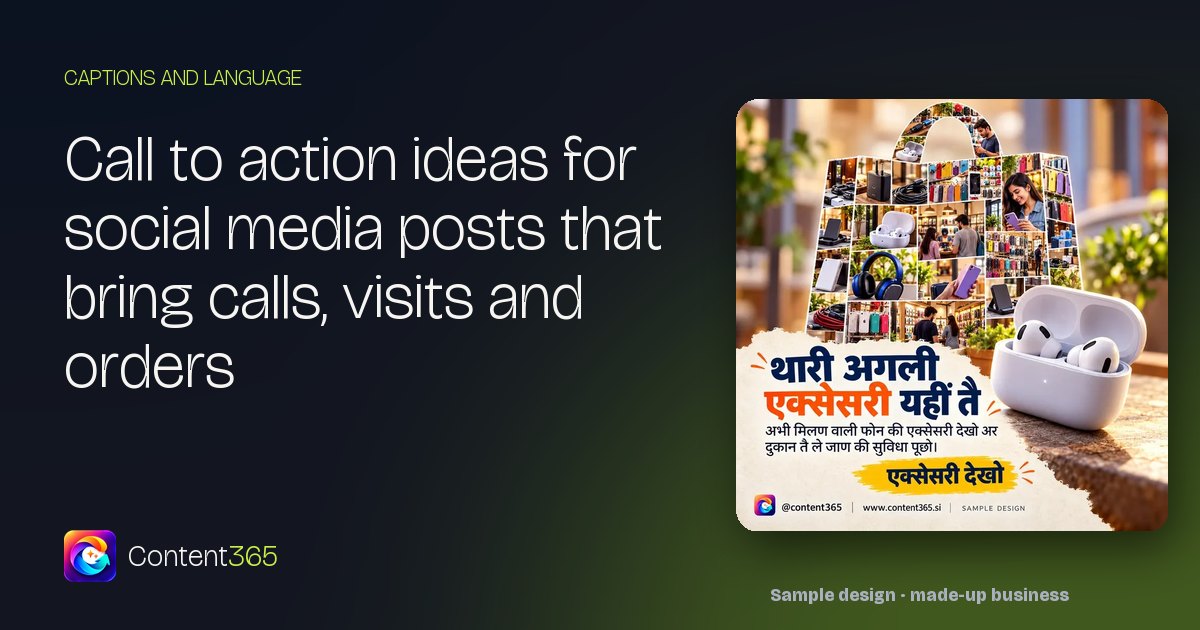
You run a mobile shop. Last week you posted a sharp picture of the new phone that just came in, with the price and a line about the camera. It got likes. Two people commented "nice". Your cousin shared it. And the phone at the counter did not ring once. On Saturday a customer walked in and said, "I saw your post, but I did not know if you had it in stock, so I almost went to the big store."
The post was not the problem. The ending was. It never told anyone what to do next. A clear call to action for social media posts is the small line that turns "nice" into a call, a WhatsApp message or a visit. This guide shows how to write one, with CTA examples for each goal, Hindi lines for local customers, and the details that make the action easy.
Why a post without a CTA leaves money on the table
A customer scrolling is busy. If they like what they see, they need the next step handed to them in that second. If they have to think, "Do I call? Is it open now?", most of them move on.
A call to action for social media posts answers one question: "What should I do now?" It does not need to be loud. "Message us 'NOTE 14' and we will send you the colours in stock" is calmer than "BUY NOW" and far more useful.
The rule that matters most is this: one post, one action. A post that says "Call us, WhatsApp us, visit us, follow us and share this" gives the reader five choices and they pick none. Decide what you want from this post and ask for that.
Pick the action first, then write the post
Before you write anything, decide which of these you want today. Each needs a different ending.
| Goal | Best for | The action |
|---|---|---|
| A phone call | Repairs, urgent needs, older customers | Call this number now |
| A WhatsApp message | Stock checks, prices, quick questions | Message a keyword or "Hi" |
| A store visit | New arrivals, demos, try-before-you-buy | Come to this address, at these times |
| A booking | Services, appointments, home visits | Book a slot by a set day |
| An order | Delivery, food, repeat items | Order by a cut-off time |
| A save or share | Tips, guides, checklists | Save this or send it to someone |
CTA examples for each goal
These CTA examples are written for a mobile store, but the shape works for any local business.
Calls
- "Screen cracked? Call 98XXX XXXXX and we will tell you the repair price before you come in."
- "Battery dying by evening? Call before 6 pm for same-day replacement on most models."
Call CTAs suit urgent problems and customers who prefer a voice over typing.
WhatsApp CTA lines
A WhatsApp CTA is often the easiest action of all, because the customer does not have to speak to anyone yet.
- "Message 'PRICE' on WhatsApp for today's rates on all 5G phones."
- "Send us your old phone's model on WhatsApp. We will reply with its exchange value."
Giving a keyword ("PRICE", "EXCHANGE") makes it feel easy, and it helps you see which post brought the message. Put a click-to-chat link in your Instagram bio and Facebook page so people can open a chat with one tap. Our guide to WhatsApp Status marketing for business covers how to use your Status alongside this.
Visit store CTA lines
A visit store CTA has to remove every doubt about the trip.
- "See it in your hand first. We are opposite Gandhi Maidan gate 2, open 10 am to 9 pm, all seven days."
- "Bring your old phone this weekend. We will check it and give you the exchange price on the spot."
Always add the landmark, the timings and, if it matters, parking. "Near the main market" is not enough. "Next to the bank ATM, ground floor, lift on the left" is.

Book now posts
Book now posts suit any service with a limited number of slots: repairs, installations, salon appointments, clinic visits, home service.
- "AC service season is here. Book your slot by Friday for a weekend visit."
- "Only six home-installation slots for Sunday. Reply 'BOOK' to take one."
Only mention a limit if it is true. A fake "only 2 left" that stays on your page for a month destroys trust faster than anything.
Orders
- "Order chargers and cables by 2 pm for same-day delivery in the city."
Saves and shares
- "Save this before you buy your next phone: five things to check in the shop."
- "Send this to the person in your family who still uses the same phone from 2019."
Saves and shares do not bring a sale today, but they keep your page in front of more people.
Hindi CTA lines for local customers
If many of your customers speak Hindi, your call to action should too. These lines are natural and polite, the way a shopkeeper would actually say them.
| Action | Hindi | Hinglish |
|---|---|---|
| Call | "अभी कॉल कीजिए, कीमत फ़ोन पर ही बता देंगे।" | "Abhi call kijiye, price phone par hi bata denge." |
| "WhatsApp पर 'PRICE' लिखकर भेजिए।" | "WhatsApp par 'PRICE' likhkar bhejiye." | |
| Visit | "आज ही दुकान पर आइए, हाथ में लेकर देखिए।" | "Aaj hi dukaan par aaiye, haath mein lekar dekhiye." |
| Book | "शुक्रवार तक अपना स्लॉट बुक कर लीजिए।" | "Friday tak apna slot book kar lijiye." |
| Order | "दो बजे तक ऑर्डर कीजिए, आज ही घर पहुँचेगा।" | "Do baje tak order kijiye, aaj hi ghar pahunchega." |
Use "कीजिए" and "आइए" rather than "करो" and "आओ". The polite form sounds respectful without being stiff. If you want more help choosing between Hindi, Hinglish and English, see Hinglish, Hindi or English for business posts.
Where to put the call to action for social media posts
A CTA hidden at the bottom of a long caption is often missed. Put it in more than one place.
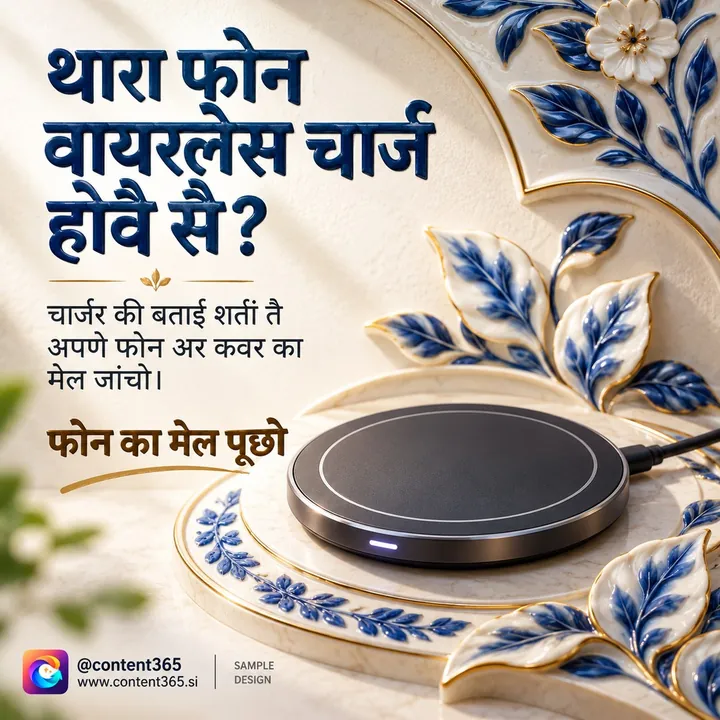
- On the picture. Many people never open the caption, and a WhatsApp Status has none, so put the number or WhatsApp prompt on the image itself.
- At the end of the caption. Repeat it clearly as the last line, with nothing after it except a few hashtags.
- In your bio and page details. Number, WhatsApp link, address, Google Maps location and timings. A customer who taps your name should find all of it in one place. Our guide to local SEO and social media explains why matching details everywhere also helps customers find you on Google.
Make the action easy to take
A good CTA still fails if the action is hard. Check these before you post.
- The number is readable. Big enough on the picture to read on a small phone, with spacing that makes it easy to dial.
- The number is answered. If you ask people to call, someone has to pick up during the hours you posted. Missed calls with no call back are worse than no CTA.
- The WhatsApp reply is quick. Set a short greeting message in WhatsApp Business so nobody waits in silence.
- The address works in Maps. Search your own shop on Google Maps from a stranger's phone. If the pin is wrong, fix it.
- The offer is clear. If the post says "exchange offer", the person at the counter must know exactly what that means.
Weak CTAs vs strong ones
| Weak | Strong |
|---|---|
| "Contact us for more details." | "Message 'EXCHANGE' and we will reply with your old phone's value." |
| "Visit our store." | "Opposite Gandhi Maidan gate 2, open till 9 pm today." |
| "Hurry, limited stock." | "Four pieces of the blue model left at our Boring Road branch." |
| "Book now." | "Book a Saturday repair slot by Thursday evening." |
| "Follow for more." | "Save this checklist for your next phone purchase." |
Strong CTAs say what to do, where and by when.
A weekly CTA mix for a mobile shop
The same CTA every day stops being seen. Rotate them.
| Day | Post | CTA |
|---|---|---|
| Monday | New arrival | Visit the store and try it |
| Tuesday | Repair tip | Call for a repair price |
| Wednesday | Accessory focus | Order on WhatsApp |
| Thursday | Buying checklist | Save this post |
| Friday | Exchange offer | WhatsApp your old model |
| Saturday | Weekend demo | Visit with landmark and timings |
| Sunday | Thank-you or festival greeting | Soft line with your location |
For more post ideas built for this trade, see the mobile shop social media posts guide. For the caption around the CTA, our Instagram captions for business guide gives seven formulas to start from.
How Content365 puts a call to action on every post
Content365 prepares 365 branded posts for your business, one for every day of the year, with your call to action for social media posts built in from the start.
An image model paints a scene with no text in it. Then the studio's compositor places your real logo, business name, phone, website and call to action on top, from the exact text you gave. So your number on the picture is your real number, spelled exactly as you typed it, and the logo is never redrawn by the model. Each post is a 1080 x 1350 image with a square-safe centre, ready for Instagram, Facebook, LinkedIn, X and WhatsApp Status.
For every day you also get captions for Instagram, Facebook, LinkedIn and X, plus one in your own language (Hindi, Tamil, Bengali and 9 more). Phone numbers, e-mail addresses and WhatsApp links are removed from text before a model reads it, so your contact details go only where you put them. Ratings, awards and guarantees appear only when you have confirmed them, which keeps every CTA honest.
You review every day in your own gallery first. We do not post on your pages: you or your team post them. The price is ₹3,999 including GST for one brand and the whole year, and each extra brand is the same ₹3,999 including GST. See pricing and what is in the download folder.
Try a free post with your own number on it
The free plan gives you 2 posts for your brand every 48 hours, with no payment needed. Sign in with Google and start free to see your own logo, number and call to action on a finished post, or compare the yearly plan when you are ready.
Frequently asked questions
What is a call to action in a social media post?
It is the line that tells the reader what to do next: call, message on WhatsApp, visit, book, order or save. It usually comes at the end of the caption and, ideally, on the picture too.
Can one post have more than one call to action?
It is better not to. One clear action gets more response than a list of choices. You can rotate different actions across the week instead.
Should I put my phone number on every post?
On most business posts, yes, or at least a WhatsApp prompt. Many people see your post as a Status or a quick scroll and never read the caption, so the number on the image is what they act on.
Are "Book now" posts too pushy?
Not if they are specific and honest. "Book a Saturday slot by Thursday" feels helpful. A fake deadline or a false "last few left" feels pushy and damages trust.
Does Content365 add my call to action to the pictures?
Yes. The compositor places your logo, business name, phone, website and call to action on each picture from the exact text you gave, so the details are always correct.
Give every post a next step
Your posts already show what you sell. Add one clear line telling people what to do, and make that action easy, and your page starts working like a shop counter, not a noticeboard. If you want a full year of posts with your call to action on every one, see pricing for 365 posts at ₹3,999 including GST.