Mobile and electronics shop social media posts: daily ideas for phone and gadget stores
Mobile shop social media posts for every day: new arrivals, repair and service tips, exchange offers and festival sales, with a weekly plan for gadget stores.

A customer walks into your shop holding his phone, showing you a model he saw online. He has already compared prices on two apps and asked his cousin. You explain that you have it in stock, with a tempered glass and cover thrown in, and that you can take his old phone in exchange. He says, "Oh, I didn't know you did exchange." He lives three streets away. He has passed your shop a hundred times.
That moment is the whole case for mobile shop social media posts. Your customers are on their phones all day, literally, and yet most of them do not know what you stock, what you repair, or what offers you run. The online apps post every hour. You post when someone in the family remembers. This guide gives you daily post ideas for phone shops, electronics stores and gadget counters, a weekly plan, a festival calendar and the simple rules that keep your posts honest and useful.
Why a local phone shop still wins, if people know about it
Online selling has changed the phone business, but it has not removed the reasons people come to a shop:
- They want to hold the phone, feel the weight, see the colour.
- They want someone to transfer their data, set up WhatsApp and put on the screen guard.
- They want an exchange price for the old phone, today, in cash value.
- They want a repair, and they want it done in front of them.
- They want someone to call if something goes wrong.
Every one of these is something an app cannot easily do, and every one is a post. Good electronics store marketing simply reminds the neighbourhood, again and again, of the things only a local shop can offer.

The picture above is a sample design for a made-up earbuds shop. Its Gujarati headline, "Your journey, your music", sells a feeling rather than a spec sheet, which works for almost any accessory post.
Gadget store Instagram ideas for every week
Here are post types that suit a phone and gadget shop. Rotate them, and you will rarely run out of things to say.
- New arrivals. A new model in stock, in the colours you have. Keep the facts to what you know: storage options, colours, availability in the shop.
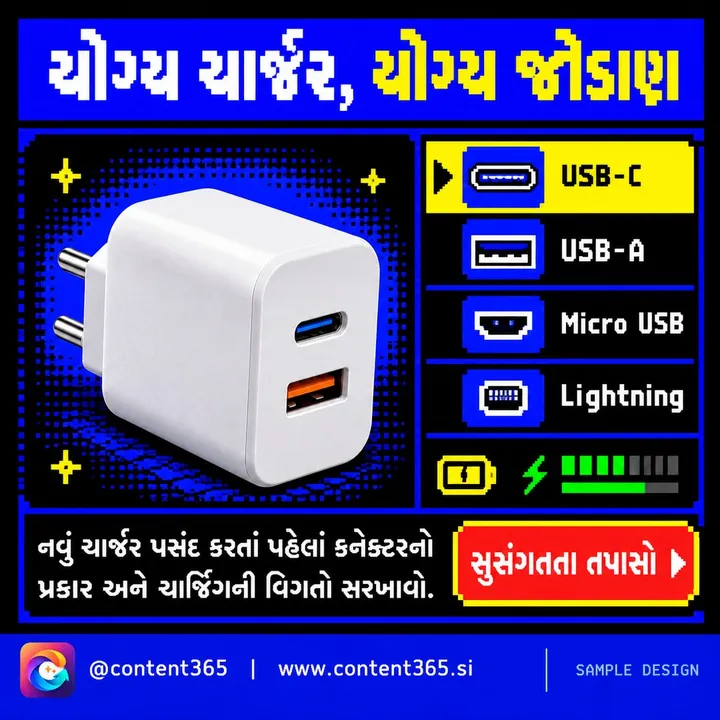
- Accessories spotlight. Chargers, earbuds, smartwatches, power banks, covers. Small items with good margins, and easy add-ons.
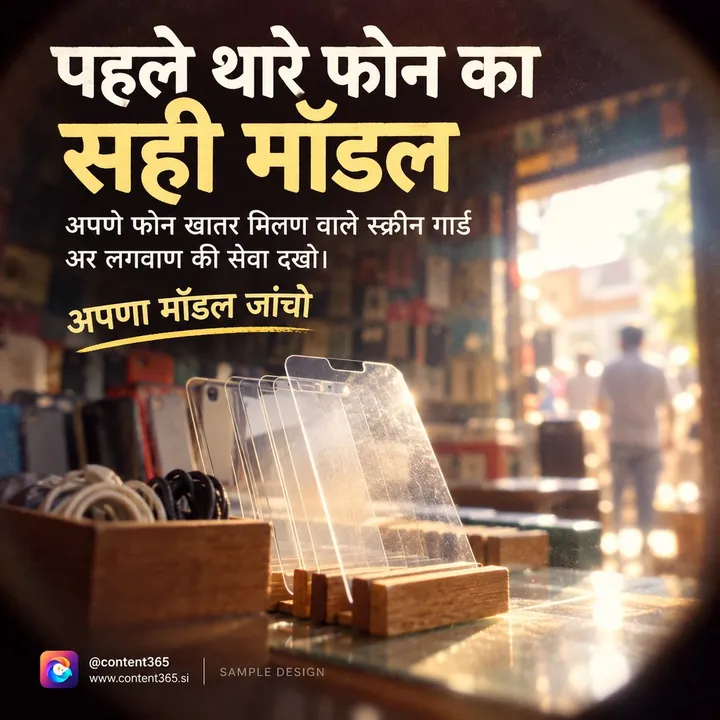
- Repair and service. Screen replacement, battery replacement, charging port issues, water damage checks. Show the counter and the tools.
- Phone care tips. Why cheap chargers can harm the battery, how to free storage, how to keep a phone safe in the monsoon, how to spot a fake charger.
- Exchange and upgrade. "Bring your old phone, take a new one home." Explain how it works at your counter.
- Setup help. Data transfer, WhatsApp backup, setting up a phone for parents. Many families need this, and few shops advertise it.
- Comparison guides. Not brand-bashing, but simple guidance: what to look for in a phone for a student, an elderly parent or a business owner.
- Store and team. Your counter, your technician, your opening hours, your location.
These gadget store Instagram ideas also work for laptop sellers, TV and appliance showrooms, and smaller electronics counters. The trick is to stay useful: every post should help a customer, not just shout a price.
Mobile shop WhatsApp Status: your strongest channel
For a local phone shop, WhatsApp is often more important than Instagram. Every customer who has ever messaged you for a price, a repair update or a bill has your number saved. That means your WhatsApp Status reaches people who already know you.
A good mobile shop WhatsApp Status routine looks like this:
- Morning: one new arrival or accessory.
- Afternoon: a repair or service reminder.
- Evening: an offer, if you have one, or a care tip.
Keep each Status clean, branded and readable on a small screen. Avoid long price lists in tiny text; instead, say "Ask us for today's price" with your number or a WhatsApp link. We wrote a full guide to WhatsApp Status marketing for local businesses if you want more on this.
Festival sale posts: the electronics calendar
For phone and electronics shops, festivals are the biggest selling weeks of the year. Families buy gifts, upgrade TVs, and set aside money for a new phone. Festival sale posts need to start early, because people plan these purchases.
| When | Occasion | What to post |
|---|---|---|
| January | New Year, Republic Day, Makar Sankranti | New year upgrade posts, Republic Day greeting |
| March | Holi (date varies), year-end | Waterproof pouches, phone safety during Holi |
| April to May | New financial year, summer, results season | Gifts for students, laptops for college, coolers and fans if you sell them |
| June to August | Monsoon, Raksha Bandhan, Independence Day | Water damage checks, gifts for sisters and brothers, Independence Day greeting |
| September | Ganesh Chaturthi (August or September) where it fits your city, Onam in Kerala | Festive gifting begins, early booking posts |
| October to November | Navratri, Dussehra, Dhanteras, Diwali, Chhath (dates vary) | The big sale season: exchange offers, gift combos, festive greetings |
| December | Christmas, weddings, year-end | Wedding gifts, year-end clearance, New Year plans |
Diwali usually falls in October or November, and Dhanteras just before it, when many families prefer to buy new things. Plan your posts for those weeks a month ahead. For a full day-by-day festive plan, see our Diwali social media post ideas, and for the wider year, the Indian festival calendar for business posts.
A few rules keep festival offers honest:
- Mention EMI or finance options only if you actually offer them, and point customers to the finance partner's terms.
- Do not post "lowest price" unless you can stand behind it.
- Put clear end dates on offers.
- Do not borrow a phone maker's logo or advertising pictures unless you are allowed to.
A weekly plan for mobile shop social media posts
If you are posting yourself, here is a simple weekly plan:
- Monday: new arrival or restock.
- Tuesday: phone care tip.
- Wednesday: repair or service post.
- Thursday: accessory spotlight.
- Friday: exchange or upgrade offer.
- Saturday: weekend offer or gift idea.
- Sunday: store, team or customer-help post.
Keep mobile shop social media posts simple: short captions, and end each with one clear action: "Visit us", "WhatsApp for price", "Bring your old phone".
How Content365 gives your shop a post for every day
Even with a plan, making a branded picture every single day while managing the counter is hard. Content365 does the making for you. You enter your shop's name, logo and website, and it prepares 365 branded posts, one for every day of the year.
- One image per day, 1080 x 1350 in the 4:5 shape with a square-safe centre, ready for Instagram, Facebook, LinkedIn, X and WhatsApp Status.
- Your real logo, shop name, phone, website and call to action, placed on top by the studio's compositor from the exact text you gave. The image model paints a scene with no text in it, and never redraws your logo.
- Captions for Instagram, Facebook, LinkedIn and X, plus Hindi, for every day, useful when many of your customers prefer Hindi.
- Indian festivals and the financial year planned in on the days they fall, so your Dhanteras and Diwali posts are ready before the rush.
- Real variety. 365 angles across 5 lenses make 1,825 concepts in 21 angle families, mixed across the year. Near-duplicate pictures are rejected.
- Checked pictures. A vision model checks each picture for stray text and problems, with up to 3 tries per day. A day that never passes still arrives, with a visible warning.
- Honest claims. Ratings, testimonials, awards and statistics appear only when you confirmed them.
You review every day in your own gallery first. Nothing posts by itself, and we do not post on your pages. You or your staff post them, to Instagram, Facebook or WhatsApp Status. Everything comes in one download folder: all pictures, captions.csv, prompts.csv, calendar.csv and a gallery that opens on any phone.
The price is ₹3,999 including GST for a whole year for one brand, not per month. If you run a mobile shop and a separate appliance showroom under different names, the second brand is the same ₹3,999 including GST. Posts stay hosted for 90 days from payment, then ₹3,000 a year (before GST) to keep them hosted, or you keep the downloaded folder.
To test it first, the free plan gives you 2 posts for your brand every 48 hours, with no payment needed. Sign in with Google and start free, or see how it works.
Frequently asked questions
What should a mobile shop post every day?
Rotate new arrivals, accessories, repair services, phone care tips, exchange offers and store posts. A fixed weekly plan makes it easy: one type of post per day, each ending with a clear action like "WhatsApp for price".
Is WhatsApp Status or Instagram better for a phone shop?
Use both. WhatsApp Status reaches people who already have your number, often your best repeat customers. Instagram helps new customers in your area discover you. The same 4:5 picture works on both.
Can I use phone brands' logos in my posts?
Only if the brand or your distributor allows it. It is safer to show your own shop, your own stock and your own branding. Content365 posts carry your logo and details, placed by the studio from the text you gave.
When should I start Diwali sale posts?
Start a few weeks ahead, because families plan electronics purchases. Diwali falls in October or November each year, with Dhanteras just before it, so check the date each year and build up from early October.
Does Content365 post the offers on my pages?
No. Content365 makes the posts and captions; you review them and post them yourself. We do not log in to your accounts, schedule posts or run ads.
Keep your shop in your customers' pockets
Your customers are on their phones all day. Make sure your shop is there too. See pricing, try the free posts first if you prefer, and have the festive season ready before the first customer asks about Diwali offers. The yearly plan covers every day.