
Content365 questions answered: price, free first week, captions, festivals and downloads
Content365 FAQ: the price per brand, what the free first week gives, how many posts you get, captions, festivals, downloads and hosting, answered plainly.

You heard about Content365 from someone at the trade association, or a friend forwarded you a sample post on WhatsApp. It looked good. But before you hand over your logo, you have questions. Is the price monthly? What does "free" really mean? Will it post on my page? What happens after a year? You do not want to read a sales page; you want straight answers, in one place.
This Content365 FAQ is that place. It collects the questions owners ask most, grouped by topic, with short, plain answers. Where something is not part of the product, we say so clearly, because a wrong expectation is worse than a missing feature.
Content365 FAQ on price: the pricing questions people ask
How much does Content365 cost?
Your first 7 days are free: 7 posts and 1 carousel for your brand, no card needed. Then pick a plan. Monthly is ₹499 for 30 posts and 10 coins, Quarterly is ₹1,299 for 90 posts, 13 carousels and 50 coins, and Yearly is ₹3,999 for 365 posts, 52 carousels, 52 reels and 120 coins. Every price includes GST, so nothing is added at checkout, and nothing renews by itself.
Is ₹3,999 per month?
No. This is the most common of all Content365 pricing questions, so it is worth saying twice: ₹3,999 including GST covers one brand for a whole year of posts.
Plans also come by the month (₹499) or by the quarter (₹1,299), all including GST. You pay for one period at a time, and nothing renews by itself.
What if I run more than one brand?
Each brand has its own plan, with its own posts, its own logo and its own captions, so you pick the plan that suits each one. You can see the full pricing breakdown.
Are there any other charges?
Your gallery and pictures are hosted for 90 days from payment. After that, keeping them hosted costs ₹3,000 a year (before GST, not on sale yet). If you do not want that, download your folder before day 90: it is yours to keep.
The free first week
What do I get for free?
The free first week gives you 7 posts and 1 carousel for your brand in your first 7 days, with no payment needed. They are made with your own logo and details, so you see what your real posts would look like, not someone else's sample.
How do I start?
Sign in with Google. That is all. Start free here, add your business details and logo, and your first posts are made for your brand.
Do I need to pay for the free first week?
No. The free first week needs no payment, so you can take your time and judge the quality on your own brand before you choose a plan. If you want to know more about judging a trial, our guide to free social media posts trials has a checklist.
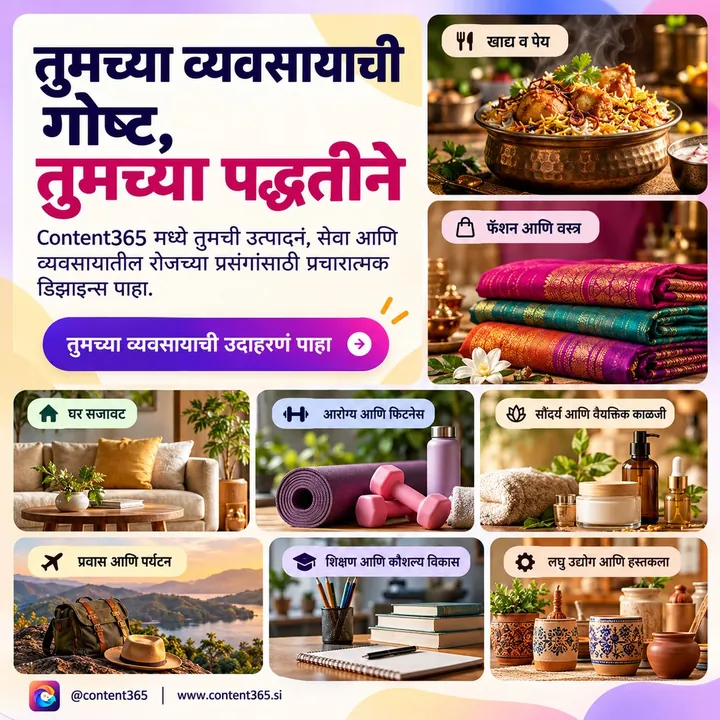
How many posts in Content365, and what each one looks like
How many posts do I get?
If you are wondering how many posts in Content365 a paid brand gets: 365, one for every day of the year. Not 30 templates reused. Not a monthly batch you wait for.
What size are the posts?
Each post is one 1080 x 1350 image (the 4:5 shape), with a square-safe centre. That means the important part still looks right if a platform crops it to a square. The same picture is ready for Instagram, Facebook, LinkedIn, X and WhatsApp.
Will my logo look right?
Yes, because the model never draws it. An image model paints a scene with no text in it at all. Then the studio's compositor places your real logo, business name, phone, website and call to action on top, from the exact text you gave. Your logo is never redrawn, so it does not come out warped or misspelt.
Will all 365 posts look the same?
No. The year is built from 365 angles across 5 lenses, which gives 1,825 concepts. These are grouped into 21 angle families and mixed across the year, so it is not one template repeated. Near-duplicate pictures are rejected.
How is quality checked?
Every picture is checked by a vision model for stray text and other problems, with up to 3 tries per day. A day that never passes still arrives, with a visible warning, so you always know which days to look at closely.
What should I do with a day that has a warning?
Look at it closely before you use it. You decide: post it if it looks fine to you, use one of your own photos that day instead, or simply skip it. Nothing is ever hidden from you.
Can I use the same picture on WhatsApp?
Yes. The same 1080 x 1350 picture works for WhatsApp Status and chats as well as Instagram, Facebook, LinkedIn and X, so one post can cover every place your customers look.
Captions and languages
Do the posts come with captions?
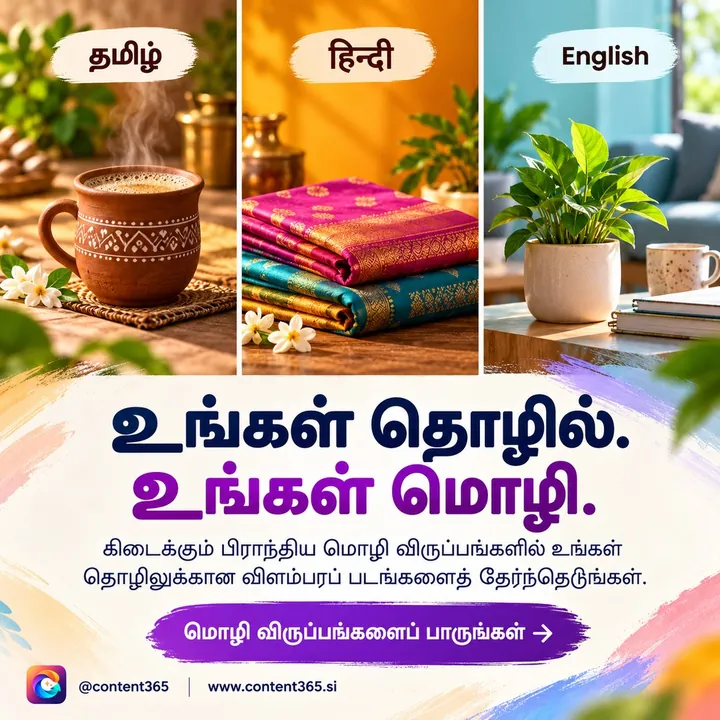
Yes. Every day has captions written for Instagram, Facebook, LinkedIn and X, plus one in your own language (Hindi, Tamil, Bengali and 9 more). You do not have to write anything to post.
Why separate captions for each platform?
Because people read differently on each. A LinkedIn caption can be more formal and explanatory; an Instagram caption is usually shorter and warmer. Our post on captions for Instagram, Facebook, LinkedIn and X explains the differences if you want to adjust them yourself.
Will it make up reviews or awards for me?
No. Ratings, testimonials, awards, guarantees and statistics appear only when your brand confirmed them. If you did not give it, it is not claimed.
Festivals and the calendar
Are festivals included?
Yes. Indian festivals and the financial year are planned into the calendar on the days they fall. Festivals like Diwali, Holi and Eid move each year, and they are placed on their dates for your year, so you are not scrambling the evening before.
Can I see the plan for the year?
Yes. The download folder includes calendar.csv, which lists the plan day by day. Open it in any spreadsheet app to see what is coming. Our 365-day content calendar guide shows how owners use a yearly plan alongside their own events.

Reviewing and posting
Does Content365 post on my pages?
No. We do not post on your pages, and nothing posts by itself. You review every day in your own gallery first, and you or your team post them. This keeps you in control of what appears under your name.
Can I check a post before it goes out?
Yes. Every day is in your gallery to look at before you use it. That is the point of the review step: you decide.
Does it manage my account or run ads?
No. Content365 makes the posts and captions. It does not run ads, schedule posts or manage your accounts.
The Content365 download folder and hosting
What is in the Content365 download folder?
One folder with everything: all the pictures, captions.csv (the captions), prompts.csv (what each picture was made from), calendar.csv (the plan) and a gallery that opens on any phone. The folder is yours.
How long is my gallery online?
Hosted for 90 days from payment. After that you can keep it hosted for ₹3,000 a year (before GST, not on sale yet), or simply keep using the folder you downloaded.
Can I share the folder with my team?
It is your folder, so you can copy it to whoever posts for you. Because the gallery opens on any phone, a staff member can look through the days and post from their own phone.
Industries, samples and what is not included
Can I see examples for my industry?
Yes. The sample library has sample designs for illustrative businesses in 29 industries, from restaurants and kirana stores to manufacturers and IT companies.
Do you make reels?
Yes. The yearly plan includes 52 reels, along with 52 carousels and 120 coins. An extra reel costs 10 coins.
Is my personal data safe in the text?
Phone numbers, e-mail addresses and WhatsApp links are removed from text before a model reads it. They go onto your post through the compositor, from the exact text you gave.
Can I earn by recommending it?
Partner Rewards pays a reward on the first paid plan of each eligible new business you introduce (₹75 for a monthly plan, ₹195 for a quarterly plan, ₹600 for a yearly plan; nothing for free weeks, renewals or coin packs), for people aged 18 and over, with terms applying. Read how Refer and Earn works for the details.
Frequently asked questions
What is the one-line summary of Content365?
A whole year of branded social media posts for one business, 365 of them, with captions for four platforms plus one in your own language, for ₹3,999 including GST per brand. You review and post them yourself.
Is there a contract or monthly commitment?
No. There is no contract and nothing renews by itself: you pay once per brand for the month, quarter or year you choose. The only optional ongoing cost is hosting after 90 days, at ₹3,000 a year (before GST, not on sale yet), and you can skip it by keeping your downloaded folder.
What do I need to give before my year is made?
Your business name, logo, website and the details you want shown on posts, such as your phone and call to action. The more accurate your details, the better your posts read.
Can I try it with my own logo before paying?
Yes. The free first week gives 7 posts and 1 carousel for your brand, with no payment needed. Sign in with Google to start.
Where can I read the full process?
Our step-by-step guide to how Content365 works walks through every stage, and the how it works page has the short version.
Still have a question?
If this Content365 FAQ has not covered your question, the quickest answer is to try it: make your free posts and see your own brand on them. When you are ready for the full year, check the yearly plan on the pricing page, or see what each extra brand costs.
See what Content365 makes for every industry.


