How Content365 makes a year of posts: from your logo and website to 365 finished images
Automated social media posts for a year, made step by step: how Content365 turns your logo, website and details into 365 branded images and captions.

You have probably tried it already. A free design app on a Sunday afternoon, a template that looked good in the preview, and then an hour of changing colours, typing your phone number, and finding that the logo looks blurry. One post done. Three hundred and sixty-four to go. Or you asked an agency for a quote and the monthly figure made you close the e-mail.
That is why people look for automated social media posts for a year: not to stop caring about their brand, but to stop rebuilding it from scratch every day. This guide explains exactly how Content365 makes a year of posts for one brand, step by step, what it needs from you, what you get at the end, and what it deliberately does not do. If you are reading this as a Content365 review before you decide, this is the honest inside view.
What you give, and what you get back
The input is small. The output is a full year.
| You give | You get back |
|---|---|
| Your business name | 365 posts, one for every day of the year |
| Your logo | Each post as a 1080 x 1350 (4:5) image with a square-safe centre |
| Your website, if you have one | Captions for Instagram, Facebook, LinkedIn and X, plus Hindi, for every day |
| Your phone, WhatsApp, e-mail and a call to action | Indian festivals and the financial year planned on the days they fall |
| Anything true you want said, such as a confirmed award | A private gallery to review every day, and one download folder |
The download folder holds all the pictures, captions.csv, prompts.csv, calendar.csv and a gallery that opens on any phone. That folder is yours to keep.
How Content365 works, step by step
Every order moves through the same six steps, in order. Each step does one job and hands the next step something it can trust. Here is what each one sees and does.
1. Brand intake
Your website and logo are read once to understand what you do, who you serve and how your brand looks. Before any model reads text about your business, phone numbers, e-mail addresses and WhatsApp links are removed from it. Those details are placed back on the finished post later, from the exact text you typed.
2. Plan and captions
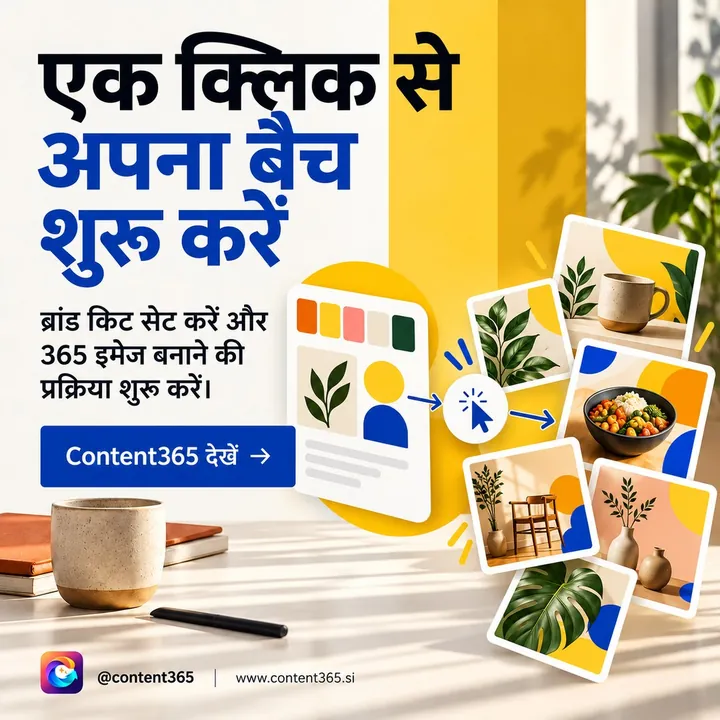
Next the whole year is planned. This is where the variety comes from. The year draws on 365 angles and 5 lenses, which makes 1,825 possible concepts, grouped into 21 angle families: product and process, guides and decisions, offers, education and contrasts, journey and value and more. These are mixed across the year so you do not get the same kind of post three days in a row.
Indian festivals and the financial year are placed on the days they fall. Each day then gets its captions: one each for Instagram, Facebook, LinkedIn and X, and one in Hindi.
Claims are handled carefully here. Ratings, testimonials, awards, guarantees and statistics appear only when you confirmed them. If you did not, the post is written without the claim.
3. Scene picture
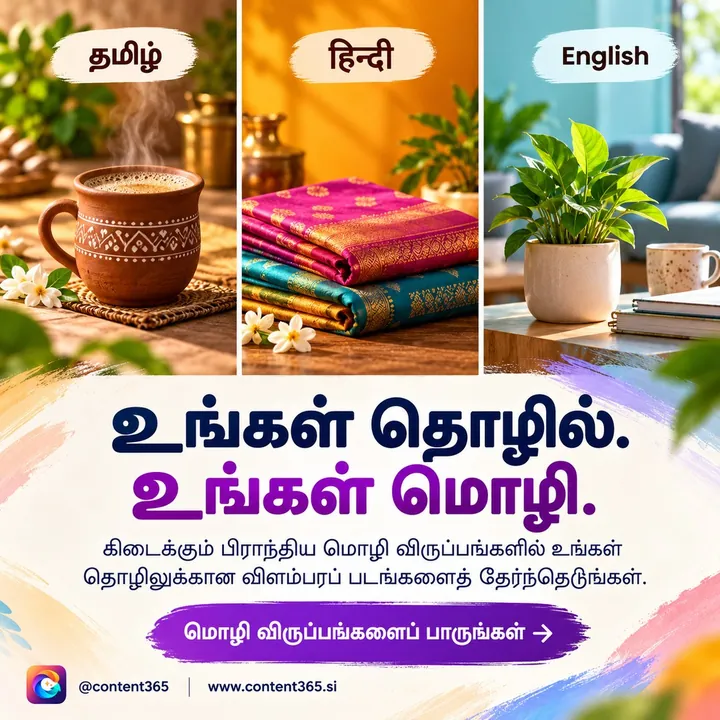
For each day, an image model paints a scene from a description. That description contains no business name, no logo and no text, because image models are poor at spelling and logos. The instructions ask for a picture with no letters, no logos and no watermarks in it.
4. Visual check
Every picture is then checked by a vision model, looking for stray text, odd shapes and other problems. Pictures that look too close to a day already accepted are rejected as near-duplicates. Each day gets up to three tries. If a day never passes, it still arrives in your gallery, with a visible warning, never as a silent gap or a generic filler.
5. Compositor
This is the step that makes the post truly yours. The studio's compositor, which is code and not a model, places your real logo, business name, phone, website and call to action on top of the picture, from the exact text you gave. Your logo is never redrawn. That is why a phone number on day 214 is spelt exactly the same as on day 1.
6. Gallery
Finished days land in your private gallery. You look through them, read the captions, and download the whole year as one folder.
What makes this different from a brand posts generator
Many tools call themselves a brand posts generator. Most fall into two kinds: a template library where you still design every post, or a one-off generator that gives you a picture with garbled text and a made-up logo. Content365 is built around the problems both leave behind.
- Real text, not painted text. The image model never writes words. The compositor draws them, so spellings and numbers come out right.
- Your logo, untouched. It is placed as you uploaded it, every day.
- A year, not a post. The plan is made for 365 days at once, so festivals land on time and the mix of post types is balanced.
- Checked before you see it. Every picture has been looked at for stray text and problems, and a day that could not be fixed carries a warning instead of hiding.
If you want the longer comparison, read what AI post generators get wrong and our honest look at Canva templates versus a year of finished posts.
Who automated social media posts for a year suit best
Automated social media posts for a year are not for everyone. They suit some businesses very well and others less so. Be honest with yourself about which group you are in.
They suit you if:
- You run a shop, clinic, institute, office or factory and want your page to look active every day without designing.
- You already know what your business stands for, and you mainly lack the hours to say it daily.
- You run more than one brand or outlet and need each to keep its own logo and details.
- You want Indian festivals and the financial year covered without remembering each date.
- You are happy to spend a few minutes a day posting, and want the making done for you.
They may not suit you if:
- You need a new photoshoot of your own products every week. Content365 paints scenes; it does not photograph your shelf.
- You want someone to run your pages, reply to messages or run ads. That is an agency's job, and our guide on social media agency cost in India explains what to expect there.
- You only need a handful of posts a year. The free plan may be all you need.
If you sit somewhere in between, the simplest test is to try your own brand on the free plan and compare it with what the full year costs.
What Content365 does not do
Being clear about this matters as much as the features.
- It does not post for you. We do not post on your pages. You review every day in your gallery first, and you or your team post them. Nothing posts by itself.
- It does not run ads or manage your accounts. Your pages, logins and replies stay with you.
- It does not invent proof. No made-up ratings, reviews, awards or numbers.
- It does not promise followers or sales. It gives you a steady supply of good, on-brand posts; what you do with them is up to you.
- Reels are coming soon. Today every day is one finished image with captions.
Making 365 days content work in your week
Once the year is in your gallery, the daily job becomes small. A rhythm many owners find easy:
- Sunday: open the gallery, look at the coming seven days, and check any festival or offer post.
- Each morning: save the day's picture, copy the caption for the platform you use, and post it. Share the same picture on WhatsApp Status.
- Once a month: look ahead to the next month's festivals so you can plan stock or staff around them.
For more ideas on staying regular, see how to post daily on Instagram and the 365-day social media content calendar.
Price, hosting and the free plan
- One brand: ₹3,999 including GST for 365 posts, one for every day of the year. It is a yearly price, not monthly. See pricing.
- More brands: each extra brand is the same ₹3,999 including GST.
- Hosting: your gallery is hosted for 90 days from payment. After that it is ₹3,000 a year (before GST) to keep it hosted, or you simply keep the downloaded folder.
- Free plan: 2 posts for your brand every 48 hours, no payment needed. Sign in with Google to start free.
You can also browse the sample library of 29 industries in the sample library, or read the visual walk-through on the how it works page.
Frequently asked questions
Do I need a website to use Content365?
No. A website helps the studio understand your business, but your name, logo and details are enough to plan and make the year.
Will my logo or phone number ever come out wrong?
The image model never draws your logo or writes text. The compositor places your logo and details from the exact text you gave, so they match what you entered.
What happens if a picture has a problem?
Every picture is checked, and each day gets up to three tries. If a day still does not pass, it arrives with a visible warning in your gallery so you can decide what to do with it.
Does Content365 publish the posts automatically?
No. The posts are made automatically, but nothing posts by itself. You review each day and you or your team post it.
Can I see my own brand before paying?
Yes. The free plan gives you 2 posts for your brand every 48 hours with no payment, so you can see your logo and details on real posts first.
See your year before you commit
The fastest way to judge it is to see your own brand on a finished post. Start free, look at a few days, and when you are ready, take the yearly plan at ₹3,999 including GST for all 365.