Content365BlogSocial media strategy
Your shop is good, your page says closed: fixing an inactive Instagram page
An inactive Instagram page makes a small business look shut. See what new customers check first, a one-week fix, and how to keep your page looking open.
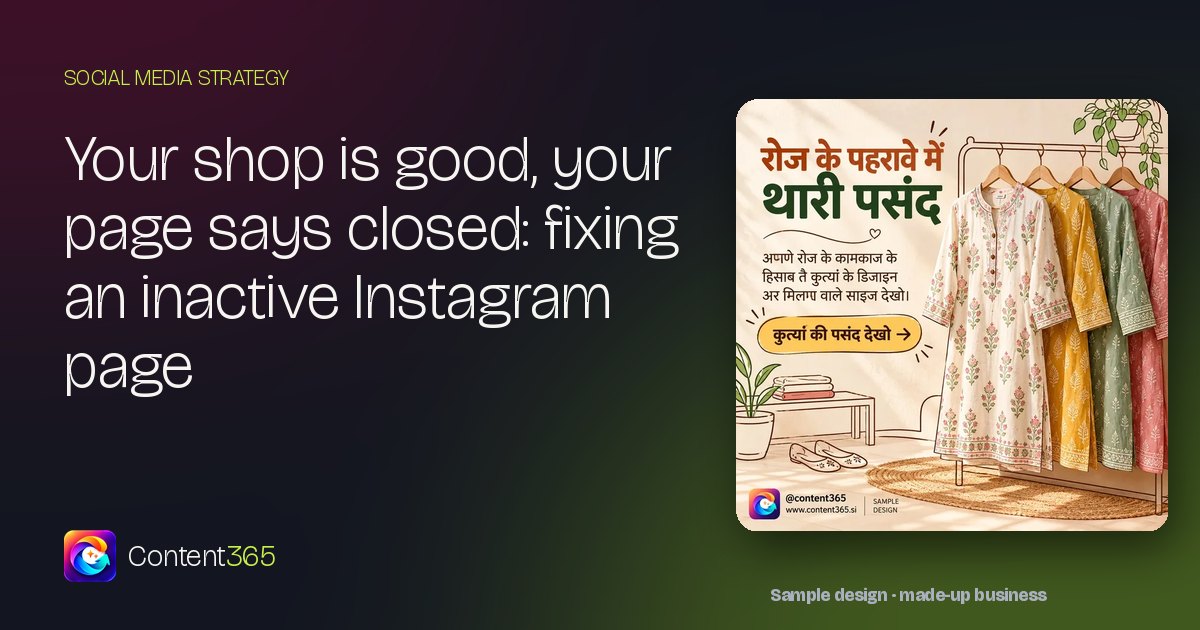
Try this tonight. Log out of Instagram, or borrow your nephew's phone, and look up your own boutique the way a stranger would. Not as the owner who knows the new silk stock arrived last week and the tailor is the best in the market. As someone who has never walked in.
What does the page tell them? Perhaps the top post is a festive sale banner from last year. Perhaps the bio still shows an old number. Perhaps the newest post is eleven weeks old. Inside the shop, everything is fine. Online, the page is saying something else.
That is the quiet trouble with an inactive Instagram page: small business owners know the shop is open and doing well, but the page tells strangers it is closed. Customers who are deciding where to go rarely call to check. They simply move on to the shop whose page posted yesterday. The good news is that this is one of the easiest problems in marketing to fix.
What an inactive Instagram page tells your customers
A silent page is not neutral. A customer who has never visited fills the silence with guesses, and the guesses are rarely kind:
- Maybe they shut down. An old last post looks like a business that stopped.
- Maybe nobody looks after this. A sale that ended months ago, still pinned to the top, looks forgotten.
- Maybe the stock is old too. If the newest collection on the page is from last season, the shelves might be.
- Maybe nobody will answer. An old number or missing timings suggest the phone will ring out.
None of it is true about your shop. But the customer cannot see your counter from their sofa. They can only see your page, and they judge the shop by it.
The ten-second check a new customer makes
People do not read a business page. They glance at it. In those first few seconds they look at a handful of things, usually in roughly this order:
| What they look at | What a quiet page says | What an open page says |
|---|---|---|
| Date of the newest post | "Is this place still running?" | "They were here this week" |
| Pinned posts | An offer that ended last season | Who you are, what is new, how to reach you |
| The bio | An old number, no timings, no area | Your area, timings and a number that is answered |
| The last festival | No greeting at all | A greeting on the day, in your own branding |
| Comments and messages | Questions left hanging | Short, polite replies |
| The grid as a whole | Every post in a different style | One logo, one set of colours, one voice |
Only the first row needs daily work. Everything else can be put right in one afternoon, and once it is right it stays right for months.
Make the page look open again in one week
You do not need to delete the page and start fresh, and you do not need to explain the gap. Just put the signs of life back, in this order:
- Day one: fix the facts. Update the bio with your area, timings and a number someone will pick up. Check the address and map pin. Archive any offer that has ended.
- Day two: pin three posts. One that says who you are, one that shows what is new, and one that tells people how to visit or order. A stranger who sees only those three should know enough to walk in. If you use story highlights, clear out the stale ones and keep a few that still help: the current collection, alterations and how to find the shop.
- Day three: post something current. The new arrivals, this season's colours, the alteration counter. No apology for the silence. Just carry on as if you never stopped.
- Day four: answer what is waiting. Reply to old comments and messages, even late ones. "Yes, we are open, please do visit" is enough.
- Days five to seven: keep it moving. One post a day for the rest of the week. The date on your newest post is the loudest signal on the page, so keep it fresh.
If you are setting up from nothing rather than reviving a page, our beginner's guide to social media for Indian small businesses covers platforms, bios and a first month of posts.
Keeping the shutter up online
Fixing the page once is the easy part. Keeping it open is where pages slip, because the daily post competes with the daily customer, and the customer always wins.
For a boutique, or any shop, four habits keep the page looking open:
- Something new every day, or close to it. It does not have to be clever. A fabric close-up, a fitting tip, a new colour on the rack, a thank-you to the neighbourhood.
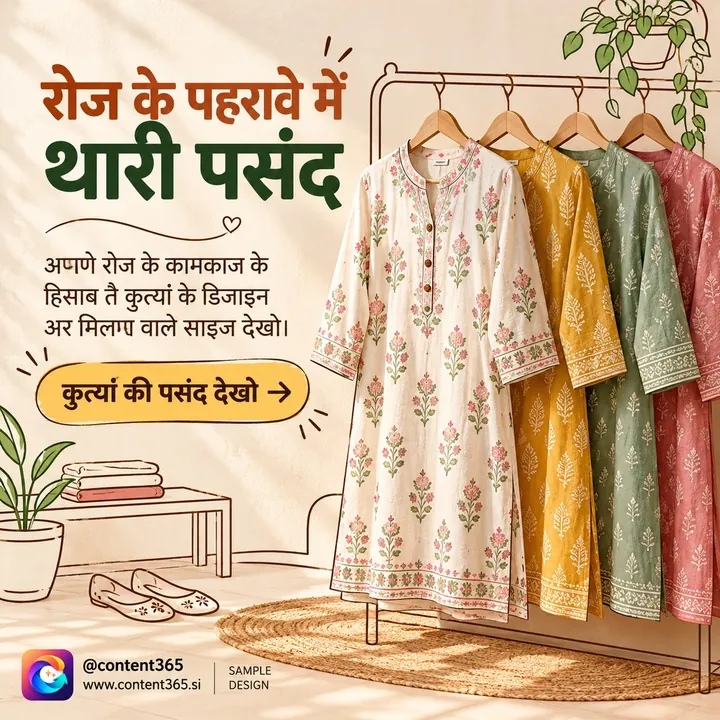
- Never miss the big days. A festival is when silence is most visible. Wedding season, the festive season in October or November and your own region's festivals each deserve a post on the day. Our Instagram content guide for fashion boutiques has ideas for every season.
- Share the same picture on WhatsApp. Your regulars may never open Instagram, but they do see your WhatsApp Status. The same image works in both places; our note on WhatsApp Status marketing explains how.
- Repeat tonight's test once a month. Log out, search for the shop and give the page ten seconds as a stranger. If anything in the table above has slipped, an expired offer or an old number, fix it that evening before it costs you a visit.
If keeping up a daily habit is the real struggle, the post you meant to make yesterday has five simple rules for it.
How Content365 keeps your page looking open
Divyaprakash Jha, Founder & CEO of Content365, built the product so that a busy owner never has to look absent online.
"A good shop should not look closed online just because the owner is busy running it," he says. "We priced Content365 at ₹3,999 including GST for the whole year so that every business can show up every day."
In practice, you describe your business once: its name, industry, logo and website if it has one. The studio then makes 365 posts, so each day of the coming year has its own. Each is a 1080 x 1350 picture that fits Instagram, Facebook, LinkedIn, X and WhatsApp, and each day has its own captions for those platforms, along with a Hindi one.
- Your newest post is always recent, because every single day has one.
- Your grid looks like one shop. An image model paints the scene with no lettering at all. The studio then puts your real logo, shop name, phone number, website and call to action on top, copied exactly from the text you supplied, and your logo is never redrawn.
- Festivals do not slip past. Indian festivals, and the close and start of the financial year, already sit on their proper days in your calendar.
- Weeks do not repeat. The year draws on 1,825 post concepts in 21 families, and near-identical pictures are rejected.

Every day waits in your private gallery for you to check, and you or your staff put it up; Content365 does not post on your pages. The year downloads as one folder with all the pictures, every caption and a gallery you can browse on any phone. The price for one brand is ₹3,999 including GST for the year, about ₹11 a day, and it is not a monthly charge.
"Handling your social media is not a big deal. The market has made it a big deal, and it charges people for that. We are AI techies, and we built Content365 to challenge that belief," says Divyaprakash Jha.
Frequently asked questions
Will an active page bring more customers into my shop?
Nobody can honestly promise followers, visits or sales, and Content365 does not. What an active page does is remove a reason to doubt you: it shows that the shop is open and looked after.
Should I delete old posts when I revive the page?
Usually not. Archive or unpin offers that have ended and correct any wrong details, but older posts can stay. What matters most is that the newest post is recent.
How often do I need to post for the page to look open?
Daily is best, because the date of the newest post is the first thing visitors notice. If daily is not possible yet, post a few times a week and never let a festival pass in silence.
Will Content365 put the posts up on my Instagram?
No. You look over each day in a private gallery first, and only you or your team ever post it on your page.
Can I see my own shop's posts before paying?
Yes. The free plan makes your brand 2 posts every 48 hours, and no payment is needed. Sign in with Google and see them with your own logo.
Put the open sign back up
Your shop already does the hard part well. Let the page say so. Use the one-week fix on your own, or have a year of branded posts ready: see pricing, browse the sample library, which covers 25 industries, and choose the yearly plan when it suits you.