Content365BlogSocial media strategy
The best time to post on Instagram in India: how to find your own answer
The best time to post on Instagram in India depends on your customers. Use Instagram insights and a simple four-week test to find your own posting time.
It is 7:40 in the evening and the kitchen is in full swing. The tandoor is hot, two delivery riders are waiting, a table of twelve has just walked in. Somewhere in the back of your mind is the thought: "I read that seven o'clock is the best time to post." So you pull out your phone with a floury hand, post the paneer tikka picture, and go back to the pass. Later you wonder if it even mattered.
Search for the best time to post on Instagram in India and you will find confident lists: "Tuesday at 11", "every evening at 8", "never on Sunday". The problem is that those lists are averages of other people's accounts, often from other countries and other kinds of business. Your customers are not an average. A school uniform shop, a Lucknow restaurant and a Bengaluru IT firm have very different people looking at their phones at very different hours. This guide shows you how to find your own answer, using what Instagram already tells you and a simple test you can run in four weeks.
Why there is no single best time for everyone
Every business has its own rhythm, because its customers do.
- A restaurant's customers think about food just before meals: late morning for lunch plans, late afternoon for dinner, and the weekend for family outings.
- A clinic's patients often look things up in the evening after work, or early in the morning before the day begins.
- A coaching institute's audience is students and parents, who are busy at school hours and free in the evening.
- A business-to-business firm such as a manufacturer or IT company reaches people during working hours, often on weekdays.
- A kirana or pharmacy serves households that plan the day's needs in the morning.
Instagram's own systems also change how and when posts are shown, often without public explanation, so a fixed "best hour" that worked last year may not hold this year.
The useful question is not "what is the best time?" but "when are my customers looking, and what do they need to see then?"
What Instagram insights can tell you
If your Instagram account is set as a professional account (business or creator), you get access to Instagram insights: a set of numbers about your posts and your audience. The exact layout changes from time to time, but the general pieces are well established.
- Audience activity. In the audience section you can usually see the days and hours when your followers tend to be active on Instagram. This is the single most useful starting point for choosing a posting time.
- Post-level numbers. For each post you can see things like how many accounts it reached and how many people liked, commented, shared or saved it.
- Profile actions. Taps on your call, message or website buttons show whether a post made someone act.
Two cautions. First, audience activity shows when your existing followers are online, not when new customers are. If you are a new business with few followers, the numbers will be thin and jumpy, so do not read too much into a single week. Second, numbers differ day to day for many reasons. Look for patterns over weeks, not one lucky post.
If you have not switched to a professional account yet, it is usually a short setting change in the app, and it is free. Look for it in your account settings.
The four-week posting time test
Here is a simple, practical way to find a good posting time for your business. You need a notebook or a simple sheet, and the discipline to keep everything else roughly the same.
Week 1: post at the time your audience activity suggests. Open your insights, find the busiest hours for your followers, and post about an hour before the peak on most days.
Week 2: post in a different window. If week one was evening, try late morning. Keep the type of posts similar.
Week 3: try your customers' decision moment. For a restaurant, that might be just before lunch. For a clinic, early evening. For a shop, early morning.
Week 4: repeat the best window so far, to check it was not a fluke.
Each week, write down for every post: the day, the time, the type of post, and what happened a day later (reach, saves, comments, profile taps, and any real-world sign such as "people mentioned it at the counter" or "three WhatsApp orders referred to it"). Saves and messages matter more than likes for a business.
| Week | Posting window | Post types | What to note |
|---|---|---|---|
| 1 | Just before your followers' busiest hours | Your normal mix | Reach, saves, profile taps |
| 2 | A different window (morning if week 1 was evening) | Same mix | Same, plus comments |
| 3 | Your customers' decision moment | Same mix | Messages, calls, orders mentioned |
| 4 | The best window so far | Same mix | Does the pattern hold? |
By the end of the month you will have something no generic list can give you: when to post for business, for your business, based on your customers.
Best time to post on Instagram in India: starting points by business
While you test, you still need somewhere to begin. These are sensible starting windows based on how people in each kind of business tend to behave. Treat them as guesses to test, not rules.
| Type of business | Starting windows to test | Why |
|---|---|---|
| Restaurant or café | Late morning, late afternoon, weekend mornings | People plan lunch, dinner and outings |
| Sweet shop or bakery | Mornings before festivals, evenings before weekends | Orders for functions are planned ahead |
| Kirana or pharmacy | Early morning, early evening | Households plan the day's needs |
| Clinic or diagnostic lab | Early morning, evening after work | People look up health matters in personal time |
| Salon or boutique | Evenings, and a few days before weekends and festivals | Bookings are made in leisure time |
| Coaching or school | Evenings, Sunday | Parents and students are free after school hours |
| Manufacturer, IT, CA firm | Weekday working hours | Decision-makers look during work |

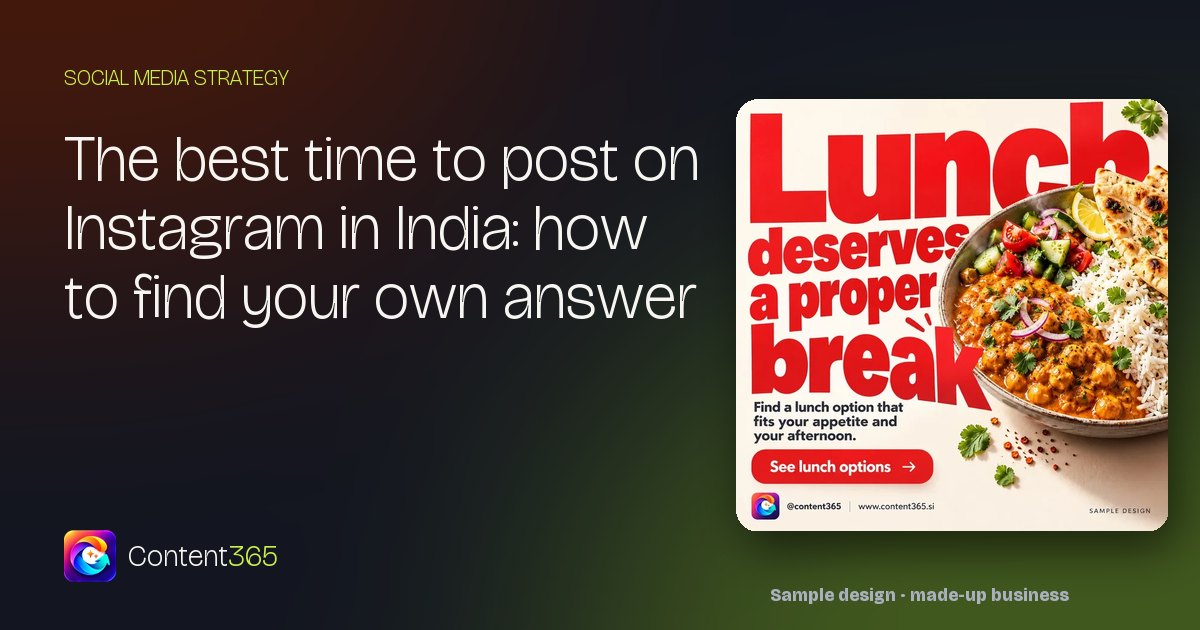
A made-up lunch restaurant like the one in this sample design would test a post like this one just before lunch and again in the late afternoon, then compare which window brought more messages and table bookings.
Timing matters less than these three things
It is easy to obsess over posting time. Three other things usually matter more.
1. Posting steadily. An account that posts regularly gives your followers a habit of seeing you. A perfect time used once a month does little. Our guide on how to post every day on Instagram covers the habit side.
2. The right post at the right moment. Timing is not only the hour; it is the season and the occasion. A Diwali sweets box post a week before Diwali beats the same post on the day itself. A monsoon chai-and-pakora post works in July, not March. Plan festival posts around this year's dates (Diwali usually falls in October or November, Holi usually in February or March; check the year's calendar). Our Indian festival post calendar helps.
3. A picture that stops the scroll. People decide in a moment whether to look. A clear, well-lit picture with one headline and your name does more than any clever hour.
Also remember that a post keeps working after the first hour. People find it later on your profile, through a share, or when they visit your page after hearing your name. Do not delete a post because the first hour was quiet.
Simple habits that make posting time easy
- Pick two or three posting windows and stick to them. "Before lunch on weekdays, morning on weekends" is easier to remember than a different time every day.
- Prepare posts in advance. If the picture and caption are ready the night before, posting at the right moment takes one minute, even during a rush.
- Use scheduling if it suits you. Instagram and Meta's business tools let you schedule posts ahead in many cases; check what your account offers today. If you prefer to post by hand, set a phone reminder.
- Hand it to someone. If the best window is your busiest hour, ask a family member or staff member to post at that time.

How Content365 makes posting at the right time easy
The hardest part of posting at the right hour is having the post ready. Content365 gives you a branded post for every day of the year, ready before the hour comes.
For one brand you get 365 posts for ₹3,999 including GST: one payment for the whole year, and each extra brand is the same ₹3,999 including GST. See pricing for the details.
- One picture per day. Each post is a 1080 x 1350 (4:5) image with a square-safe centre, ready for Instagram, Facebook, LinkedIn, X and WhatsApp.
- Your real branding. An image model paints a scene with no text in it, and the studio's compositor places your real logo, business name, phone, website and call to action on top from the exact text you gave. The logo is never redrawn by the model.
- Captions ready. Captions are written for Instagram, Facebook, LinkedIn and X, plus one in your own language (Hindi, Tamil, Bengali and 9 more), for every day.
- Festivals on time. Indian festivals and the financial year are planned into the calendar on the days they fall, so the festival post is ready well before you need it.
- A calendar you can plan with. The download folder has all pictures, captions.csv, prompts.csv, calendar.csv and a gallery that opens on any phone, so you can see what is coming and plan your posting windows.
You review every day in your own gallery first. We do not post on your pages: you or your team post them at the time that suits your customers.
Start with the free plan: 2 posts for your brand every 48 hours, no payment needed. Sign in with Google to try it, and when you are ready for the full year, see the yearly plan.
Frequently asked questions
What is the best time to post on Instagram in India?
There is no single time that suits every business. Start with the hours your followers are most active, shown in Instagram insights, and then test two or three windows over a few weeks. Your own results are a better guide than any general list.
Where can I see when my followers are online?
If you have a professional (business or creator) account, Instagram insights usually show your audience's active days and hours in the audience section. The layout changes from time to time, so look for audience or follower activity in your insights.
Does posting time really matter?
It helps, but steady posting, a clear picture and the right message for the season usually matter more. A post also keeps being seen after the first hour, through your profile and shares.
Should I post at the same time every day?
Picking two or three regular windows makes posting a habit and makes your results easier to compare. You can change the window for special days such as festivals or launches.
What if my best time is my busiest hour at work?
Prepare the post the night before and either schedule it, if your account offers scheduling, or ask a family member or staff member to post it at that time.
Does Content365 post at the best time for me?
No. Content365 makes your branded picture and captions for every day. You review them and post them yourself, at whatever time works best for your customers.
Ready before the right hour
The best time to post is the time your customers are looking, and the best way to use it is to have the post ready. If you would like a full year of posts waiting for you, get 365 days for ₹3,999 including GST.